
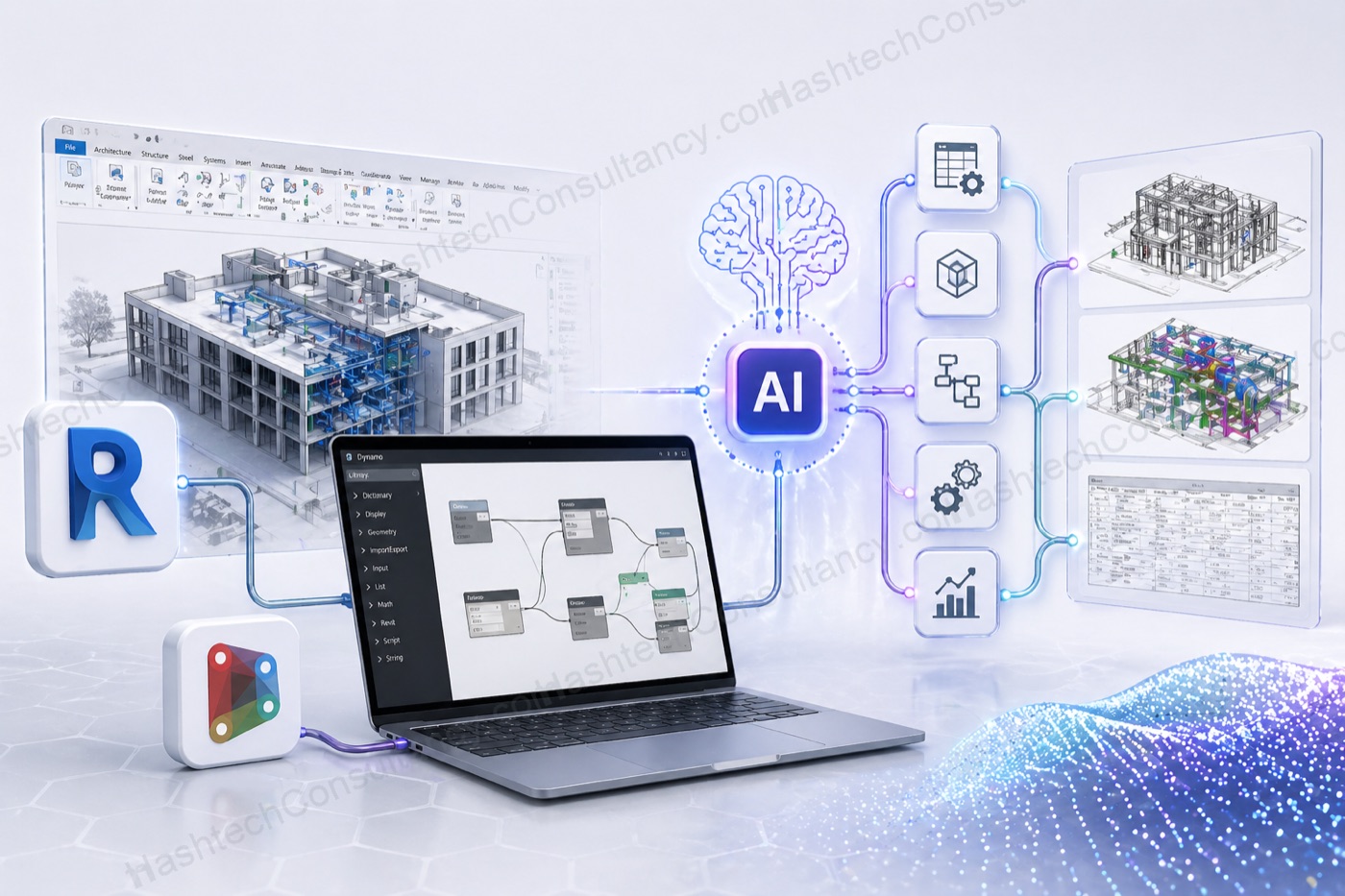
How We Use AI in BIM
Much of a BIM project is rule-based work that follows the same logic on every model. We use AI-assisted workflows for that part, and keep our coordinators on the decisions that need judgement.
Our AI tooling sits on top of the Dynamo, Python and Revit API workflows we already use, so results stay predictable and can be checked.
What AI Speeds Up
Model Checks
Test parameters, naming and completeness against your standards across the whole model, and return the findings as a reviewable report.
Quantities & Data
Extract and organise quantities and asset information for estimating, procurement and COBie handover.
Repetitive Production
Run tagging, numbering, view and sheet set-up and family clean-up as scripted workflows.
Clash Triage
Group and rank clash results by trade and priority before coordination meetings.
Automation Development
Build and test Dynamo and Python scripts faster, then validate them on representative project data.
How an AI-Assisted Task Runs
- 01
Define the Task
Agree the rule or standard the task must follow, using your BIM execution plan and templates.
- 02
Run Through MCP
The AI assistant carries out the task in the BIM environment through connected, controlled tools.
- 03
Review the Result
A BIM coordinator checks the output against the model and the drawings.
- 04
Quality Stages
The result goes through our two stages of quality checks before it is issued.
- 05
Issue
Models, drawings, schedules and reports are delivered to your common data environment.
Where People Stay in Charge
AI handles repeatable, rule-based work. Design judgement, coordination decisions, sign-off and responsibility for the deliverable stay with our team.
Automated and AI-assisted checks supplement professional BIM QA/QC review. They do not replace it.
Project Data and Confidentiality
Client project information is handled under your confidentiality terms. Tell us at the start if your project has restrictions on where data may be processed, and we will agree how AI tools are used, or not used, on your job.
Best Suited To
Large Models
The same check or edit applies to thousands of elements.
Tight Programmes
Routine work needs to clear quickly so coordinators can focus on the issues.
Repeat Projects
Standard rules apply across several projects or buildings.
Handover Data
Quantities, schedules and asset data need to be organised for estimating and COBie.
AI-Assisted BIM Workflows
Hashtech provides AI-assisted BIM workflows alongside modelling, coordination and documentation for architects, engineers, contractors and owners. We connect AI assistants to our BIM tools to shorten turnaround on routine tasks, and keep every deliverable under human review.
Frequently asked questions
What does AI-assisted BIM mean?
It means using AI assistants to carry out repeatable, rule-based BIM tasks, such as model checks, data extraction and production set-up, with a BIM coordinator reviewing the result.
Does AI replace your BIM coordinators?
No. AI speeds up routine tasks. Coordination decisions, quality checks and sign-off stay with our team.
Which AI tools do you use?
We connect AI assistants, including Claude, to Revit and our Dynamo and Python workflows through the Model Context Protocol (MCP).
Is my project data safe?
Project information is handled under your confidentiality terms. If your project limits how data is processed, tell us at the start and we will agree how AI tools are used on your job.
Will it make delivery faster?
For repeatable tasks, yes. Routine checks and production work are cleared sooner, which shortens turnaround. The effect depends on the project and the task.
Want to see where AI could speed up your project?
Send us a drawing set and we will show you.
We’ll reply within one working day with questions, or with a scope and fee.
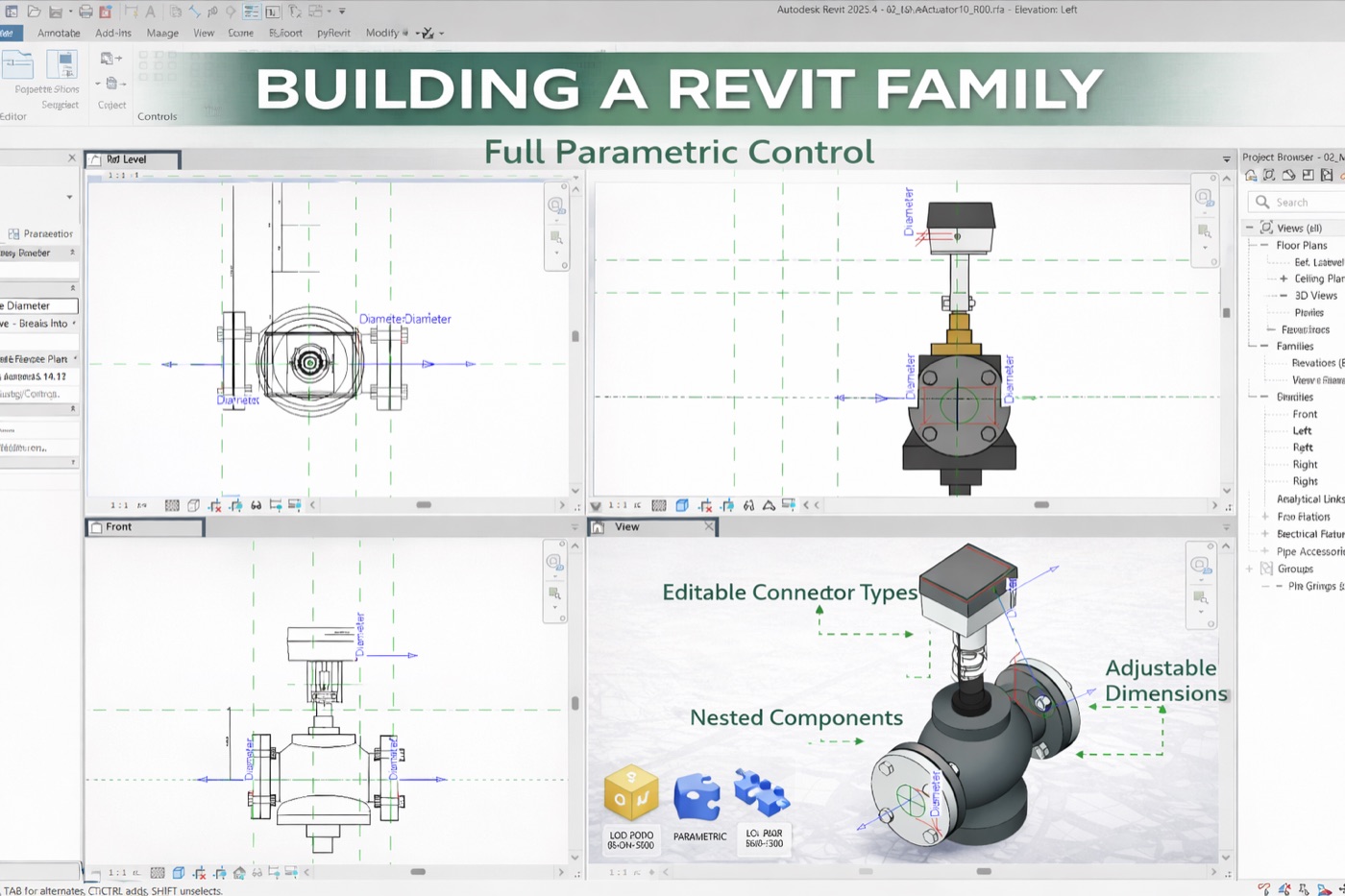 Revit Families
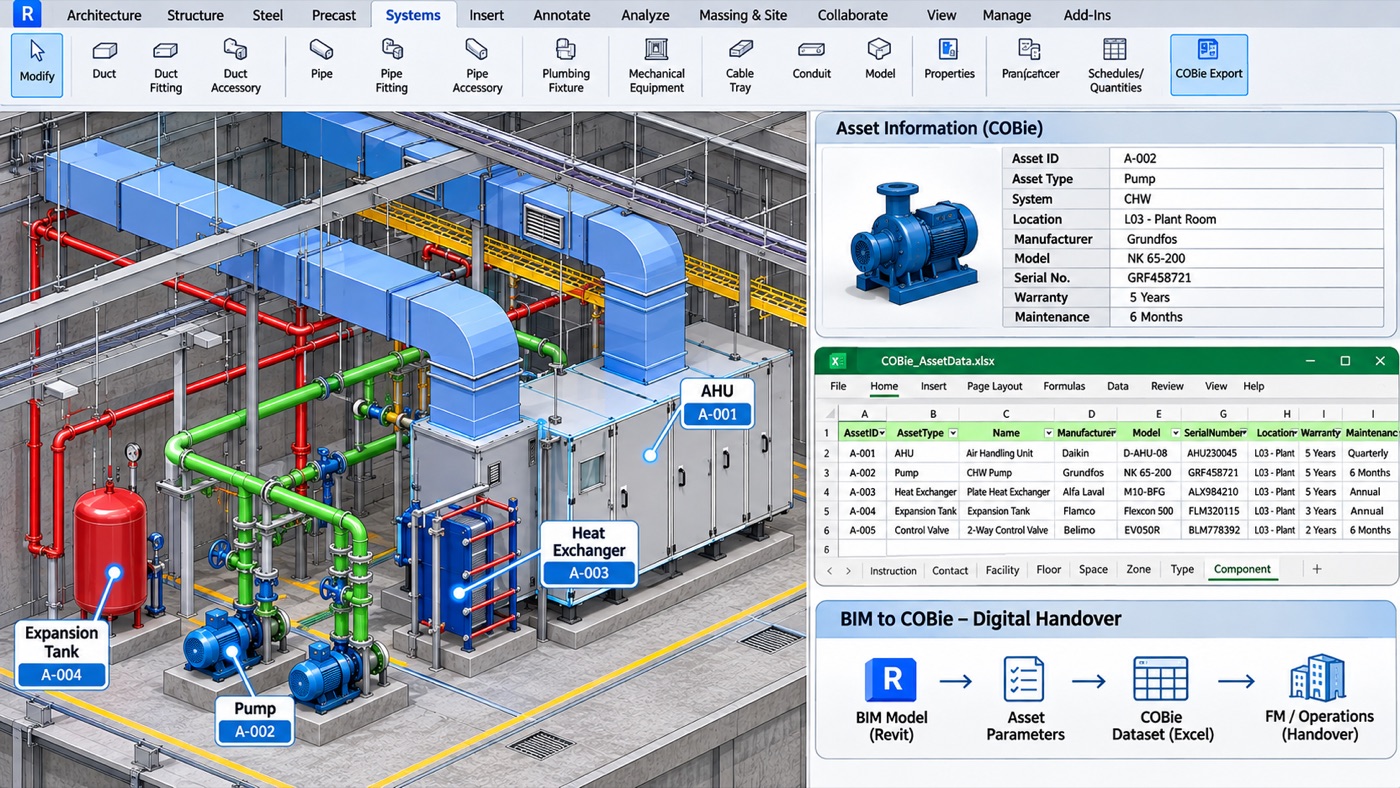 COBie & Asset Data
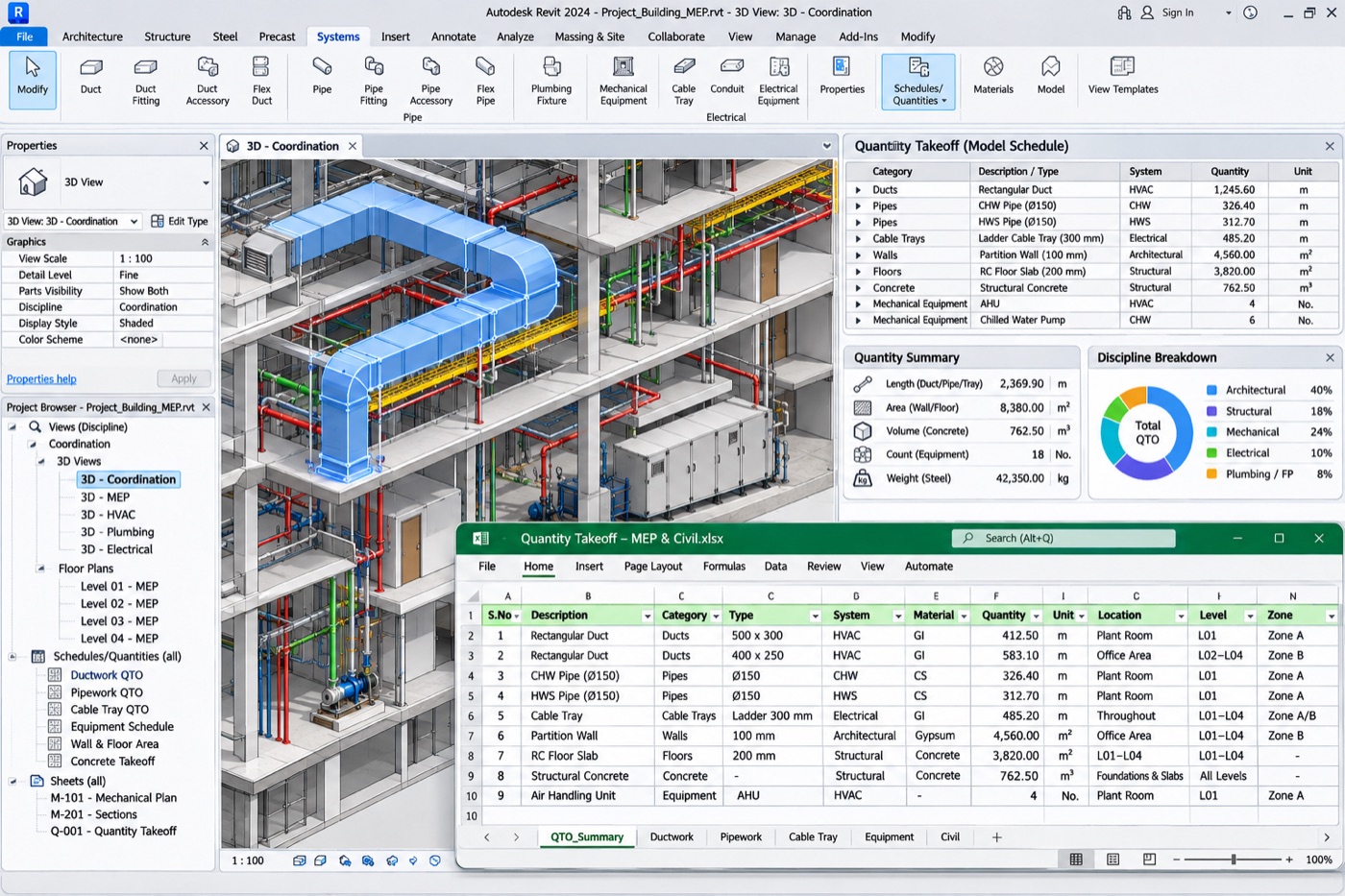 Quantity Takeoff